Take command of your entire SaaS portfolio.
Get every SaaS app, its cost, and real usage into one view. Idle seats and redundant subscriptions stop hiding in the portfolio, so you can trim the waste ahead of every renewal.
See SaaS Management
Solutions / Software Spend Control
SOFTWARE SPEND CONTROL
Recover idle licenses, right-size renewals, and surface shadow spend.
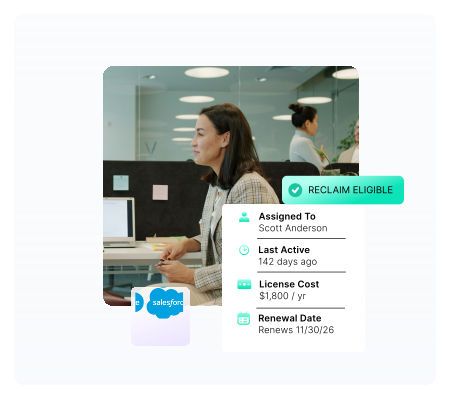
Oomnitza connects every system that holds an opinion about your software and keeps them reconciled. What was hiding across five systems quickly becomes actionable.
TRUST
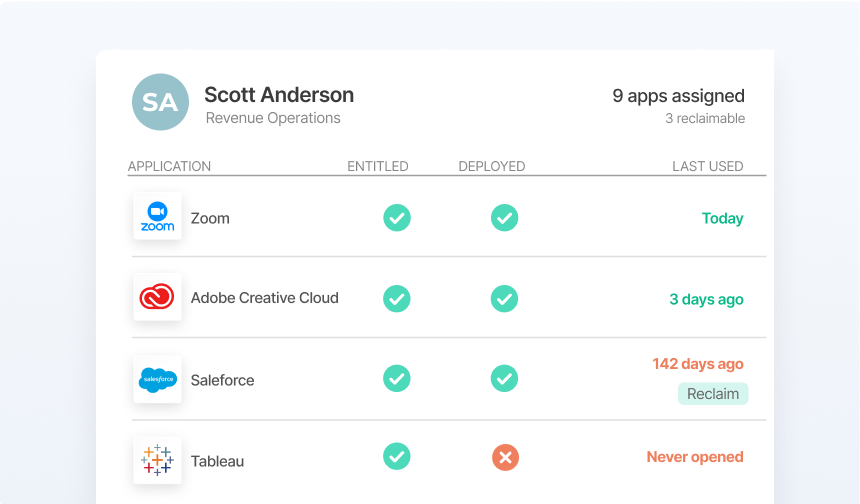
Reconciliation runs continuously across contracts, identity, endpoints, and expense data. The picture your team used to rebuild before every renewal is now the default state.
ACT
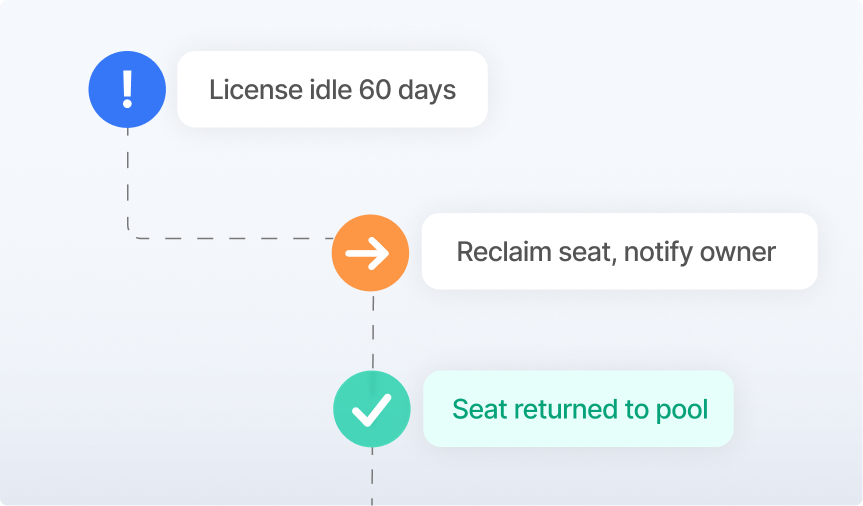
Lifecycle events, renewal windows, and idle thresholds trigger the right action automatically. The work that used to require manual reconciliation now runs from the reconciled record on its own.
LEAD
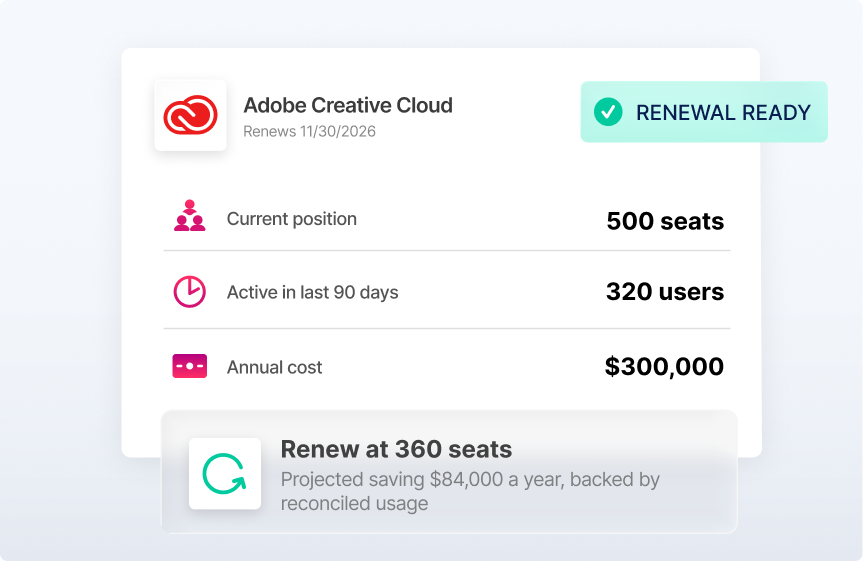
The leaders who control software spend don’t have better procurement processes. They have better data and the workflows that keep it current.
PRODUCTS

Get every SaaS app, its cost, and real usage into one view. Idle seats and redundant subscriptions stop hiding in the portfolio, so you can trim the waste ahead of every renewal.
See SaaS Management

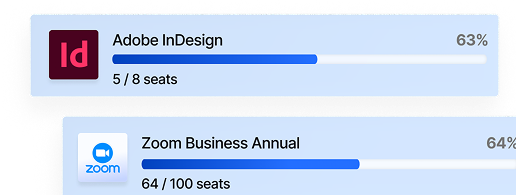
Entitlements, deployments, and usage reconcile into a clear license position, exposing idle seats and redundant tools. No-code workflows reclaim what's unused and flag renewals before they bill.
See Software Asset Management
CUSTOMER STORY
 |
|
| “Looking at assigned licenses and active logins in one simple chart is really powerful in helping us save money and time.”
– Director, Corporate Services, Leading Global Financial Analytics Firm
|
|
$150,000Recovered from idle and underused licenses. |
3 SecondsTo find software installed on a device, down from 20 minutes |
| READ FULL STORY | |
INTEGRATIONS
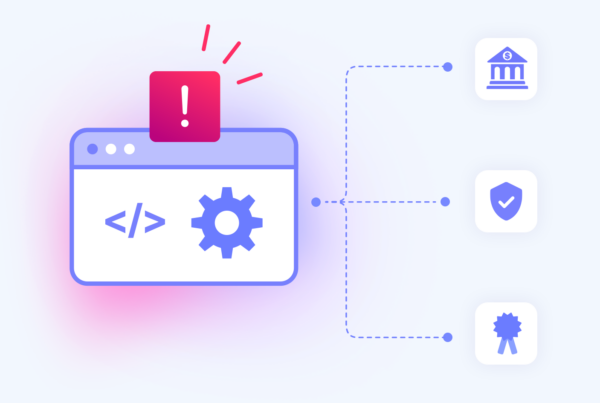
Every system that touches software spend — procurement, identity, HR, endpoints, and finance — are connected and continuously reconciled.

Software spend control is the practice of continuously reconciling software entitlements, deployments, and usage data to eliminate waste, prevent over-deployment penalties, and govern renewals from verified data. It connects procurement, identity, HR, and financial systems to maintain a continuously reconciled view of every software asset across its lifecycle from purchase through reclamation or retirement.
Oomnitza reconciles entitlement records from contracts and procurement systems against actual deployment and usage data from identity providers, MDM, and software discovery tools. Licenses assigned to inactive users, departed employees, or uninstalled applications surface automatically. Reclamation workflows can fire at offboarding or on a scheduled basis so unused licenses return to an available pool without manual coordination.
Point-in-time reconciliation produces a snapshot that is accurate for a moment and wrong by the next deployment, offboarding, or license change. Continuous license management keeps entitlements, deployments, and usage reconciled as events occur. The result is a license position that is current every day, not just before a true-up or vendor audit, so waste and exposure never have time to accumulate.
Most organizations identify reclamation opportunities within the first weeks of connecting their identity and procurement systems to Oomnitza. The initial reconciliation typically surfaces unused licenses, ghost accounts, and shadow IT that have been accumulating undetected. Automated reclamation workflows then prevent new waste from building between review cycles.
Yes. Oomnitza maintains continuously current entitlement-to-deployment reconciliation for major software vendors including Microsoft, Salesforce, Oracle, SAP, and IBM. When a vendor initiates an audit, organizations can respond from a verified license position rather than reconstructing records under deadline pressure. Oomnitza also surfaces over-deployment before vendors do so organizations can remediate internally first.
Most software overspend comes from three sources: licenses that were never reclaimed after employees left, deployments that drifted out of alignment with entitlements over time, and shadow IT purchased outside IT visibility. All three share the same root cause: no system reconciles who has access, what is deployed, and what was purchased into one continuously current view. Renewal decisions get made from whichever data point was easiest to find, not the most accurate one.
Oomnitza uses AI to scan purchase orders, invoices, and expense reports against a library of known software signatures. Applications that appear in financial data but are absent from the managed software inventory are flagged as shadow IT and routed to the appropriate owner for review. This catches unapproved tools before they create compliance exposure or accumulate uncontrolled spend before a vendor audit surfaces them externally.
Traditional SAM tools focus on discovery and inventory. They tell you what software exists in your environment. Oomnitza governs the full lifecycle of every software asset by connecting procurement, identity, HR, endpoints, and finance into a continuously reconciled view. That means Oomnitza can tell you not just what exists, but who should have it, whether they are using it, whether it was properly purchased, and what should happen to it when circumstances change.
When an employee offboards, Oomnitza detects the HR event and automatically triggers a reclamation workflow, revoking access across connected applications and returning licenses to an available pool. This happens without manual coordination between HR, IT, and security. Ghost accounts and orphaned licenses that previously accumulated undetected are closed at the point of departure rather than discovered months later.
Oomnitza connects to the systems that together hold the full picture of your software estate: identity providers like Okta and Microsoft Entra ID, HR systems like Workday and BambooHR, procurement and contract tools like Coupa and Ariba, endpoint management tools like Jamf and Intune, and financial systems like NetSuite and Concur. Oomnitza has over 1,500 connectors and does not require agent deployment, so most organizations are connected and reconciling within days.
Reach out to see what’s possible.